1.Create an account on Pionex and complete the KYC verification.
2. Buy at least $250 worth of UTT ore 1000 UTT you will get Discord access as well.
3. If you don’t have a Phantom wallet, create one.
3. Withdraw the UTT tokens to your Phantom wallet.
4. Deposit USDT to your Pionex account.
5. Go to uTrade.vip and create an account.
1. Create an account on our website by clicking on ‘Get Started.

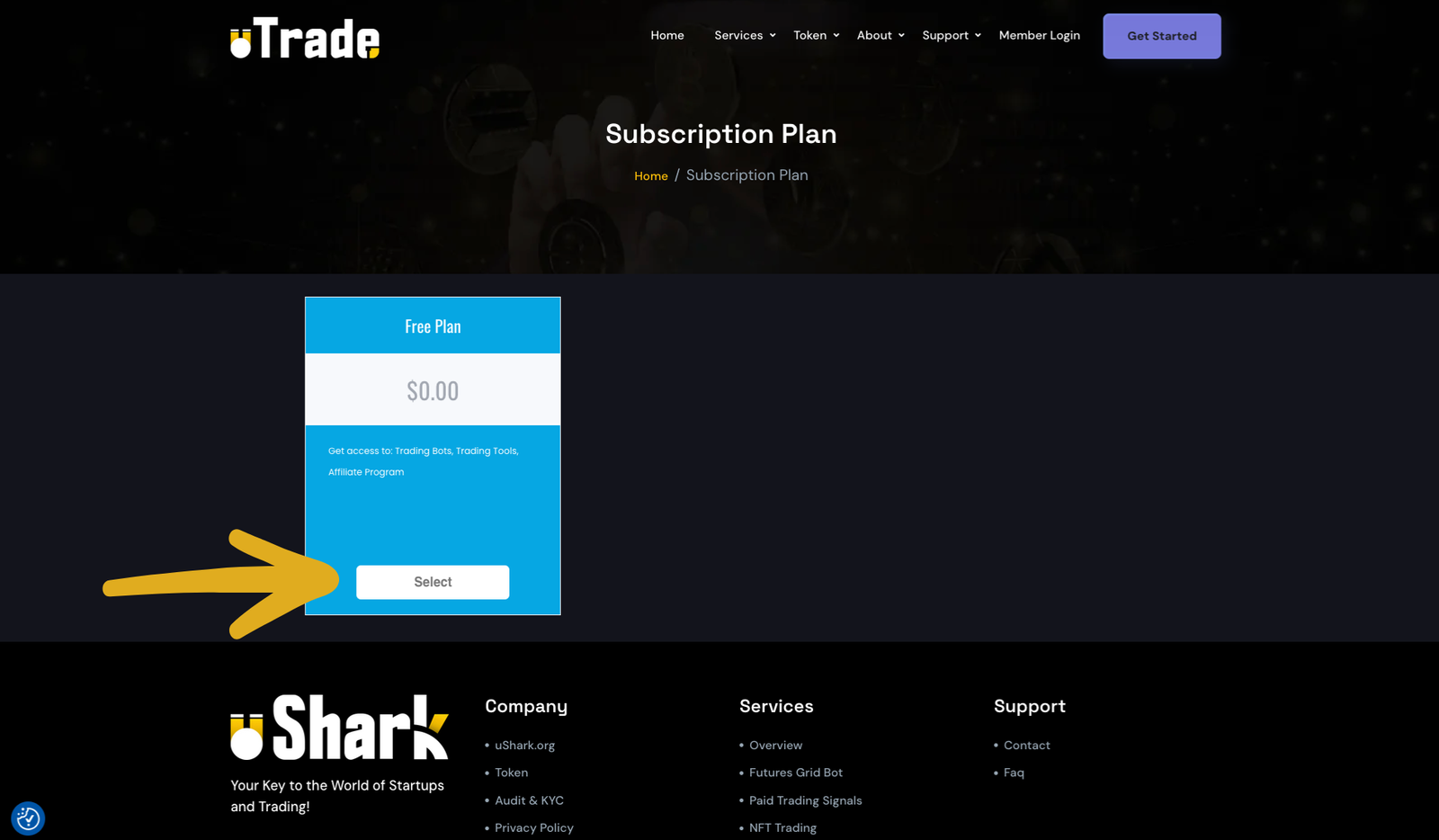
2. Choose the ‘Free Plan’.
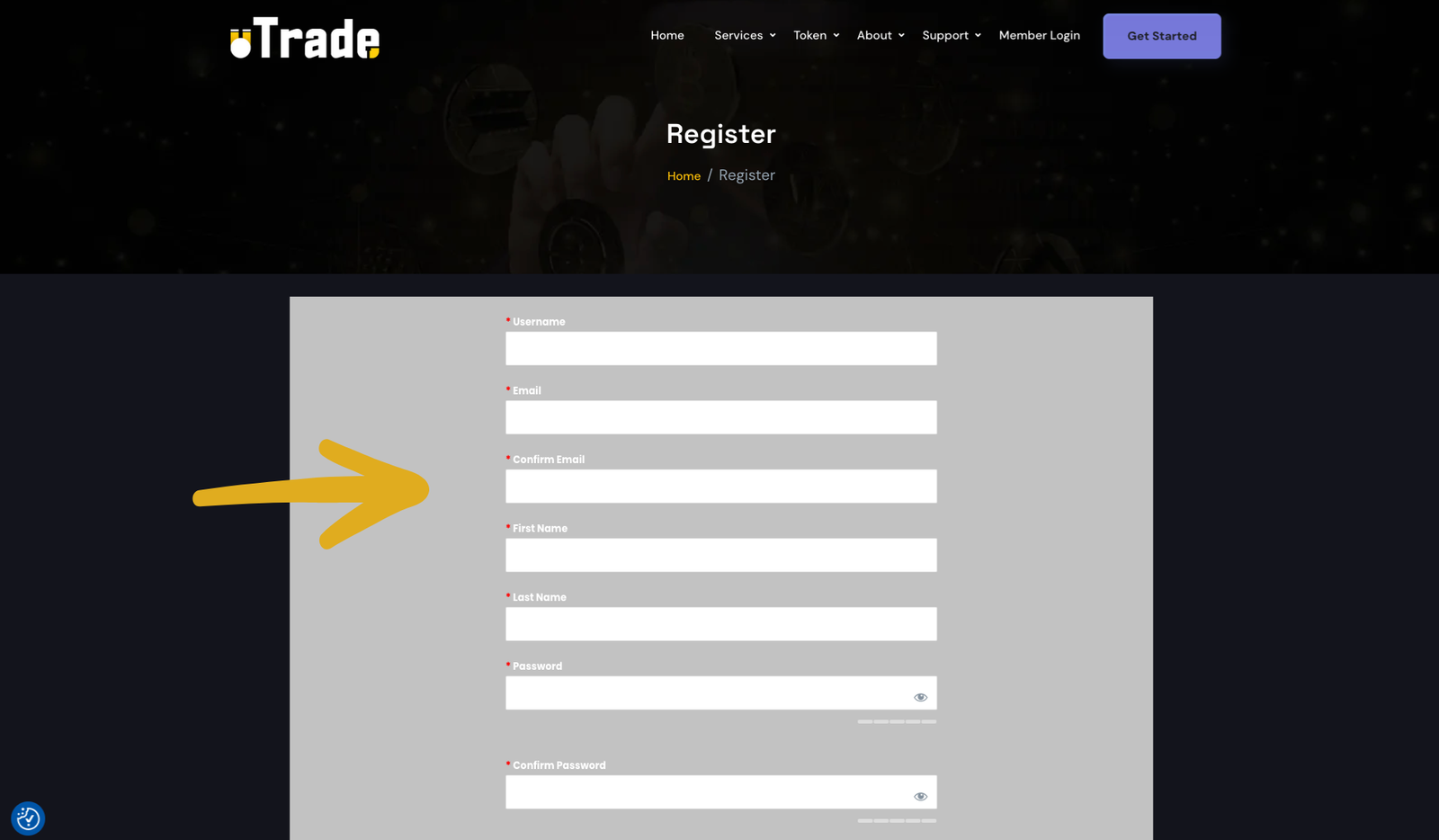
3. Fill out the registration form and submit it. Then, open your email client and verify your email address (check your spam folder).
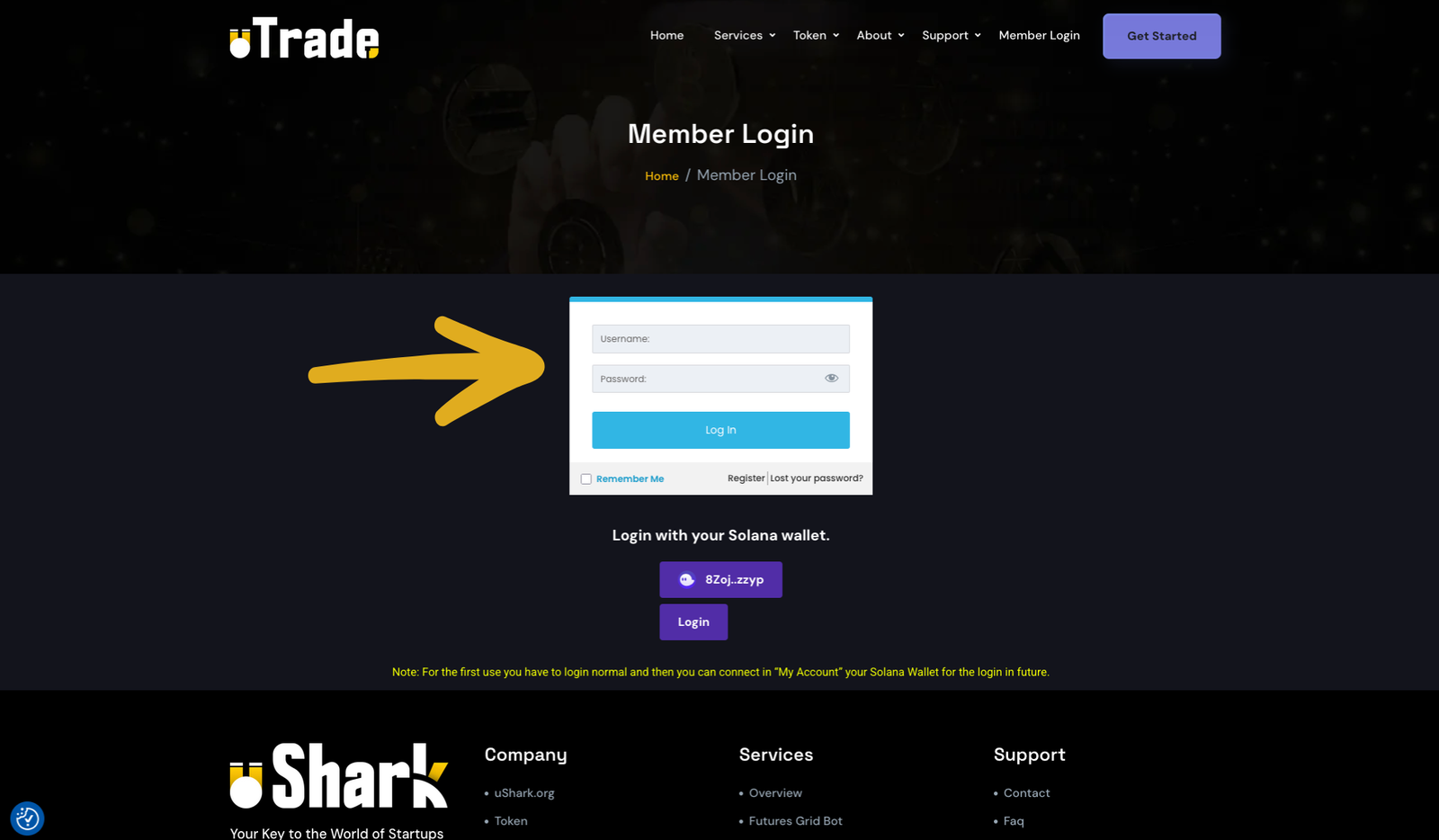
4. Now log in to the member space.
5. In ‘My Account,’ you will find an option to connect your Solana Wallet to log in or gain access to the products.
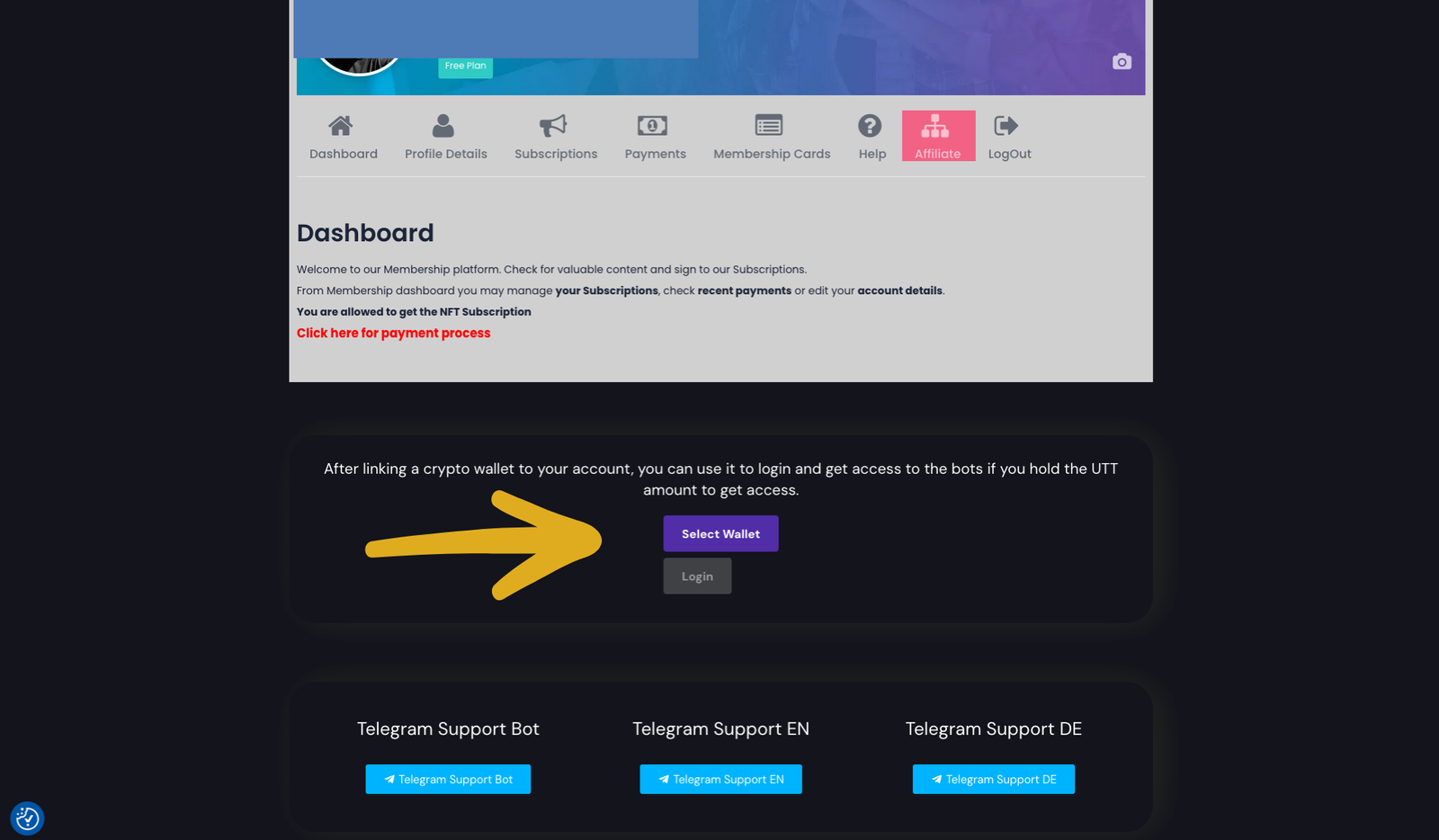
6. Select your wallet and confirm the connection. (Note: This is a read-only connection.)
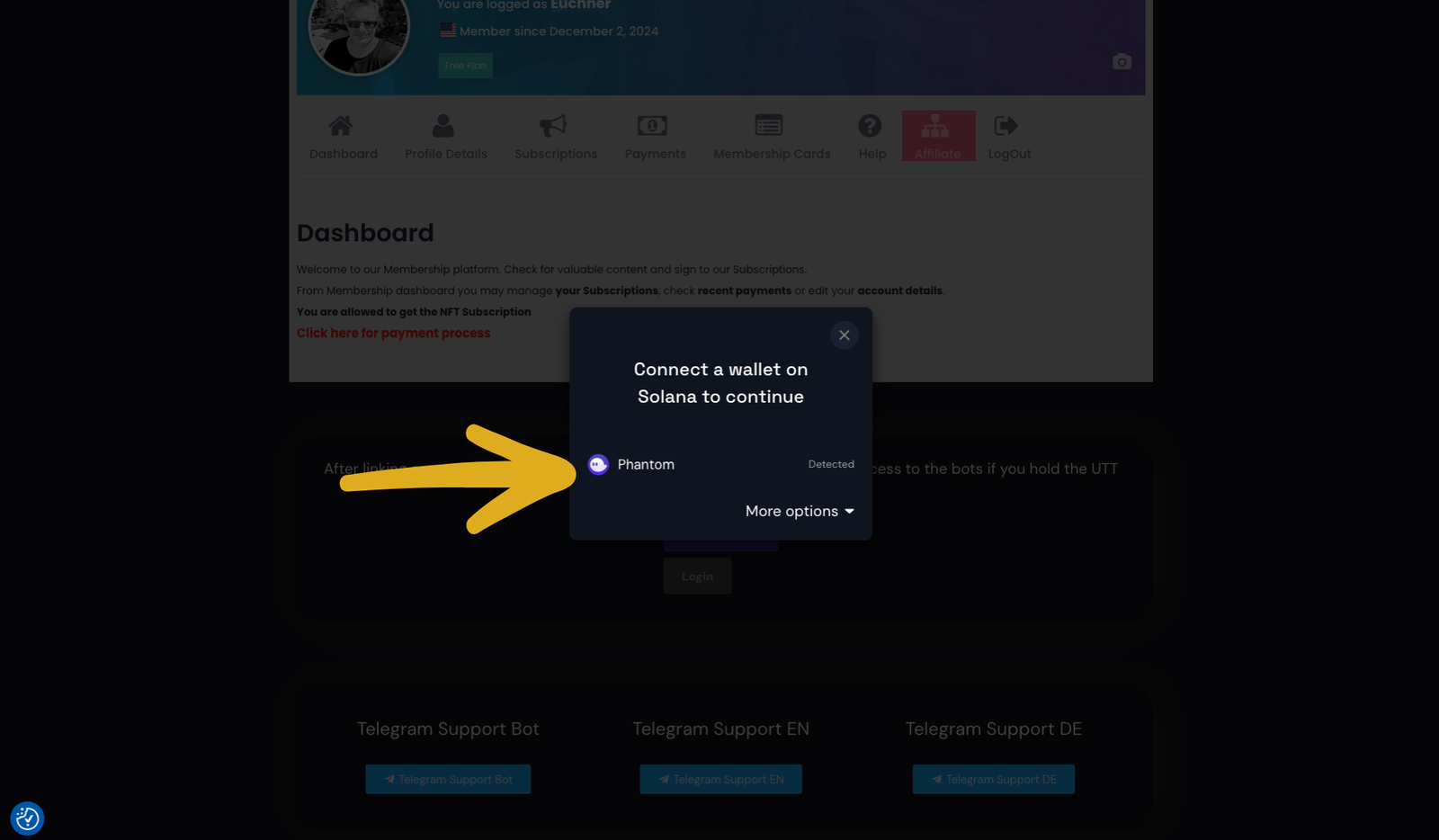
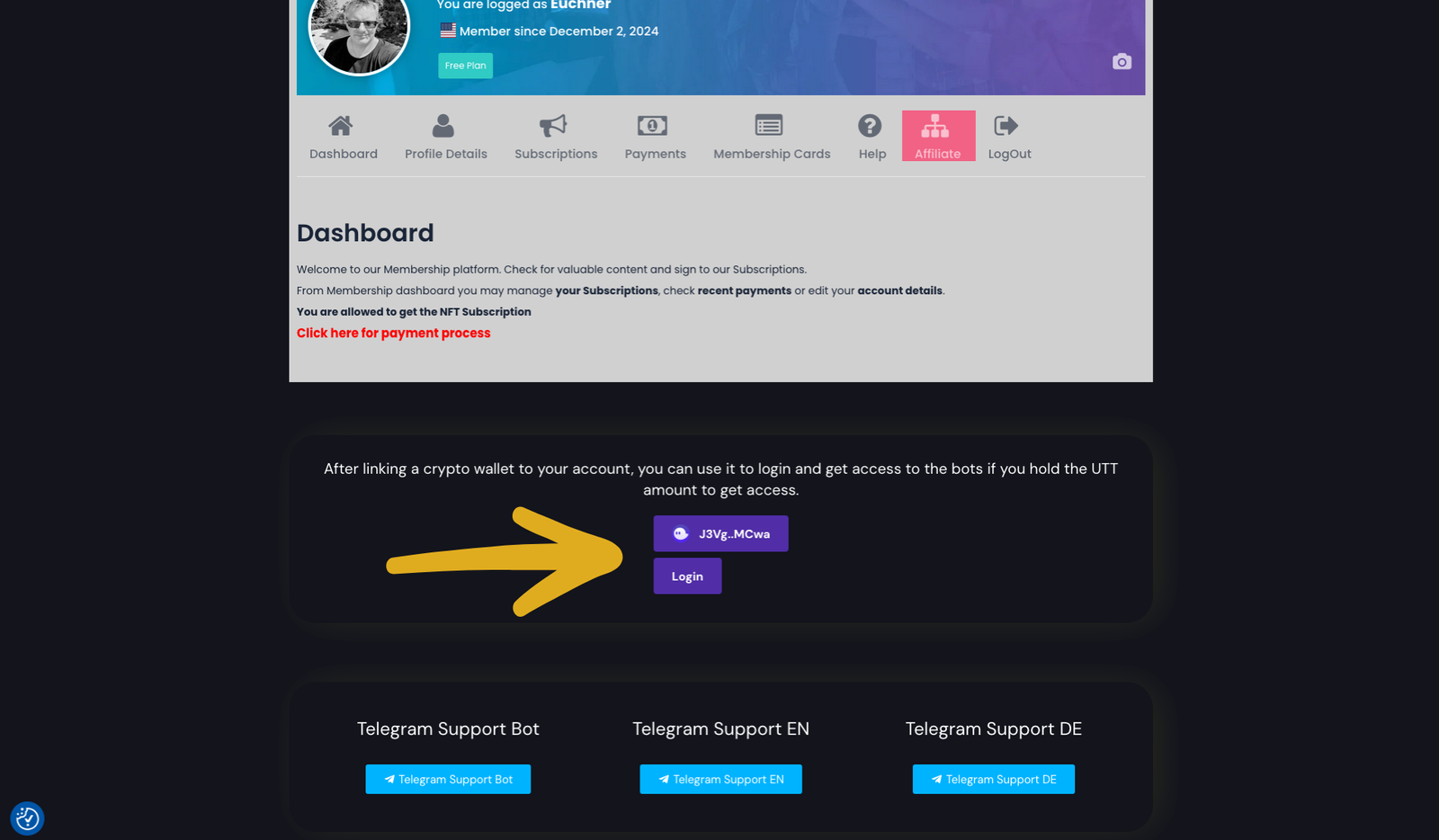
7. If everything is okay, you will see your connected wallet. Sometimes, you may need to log out and log in again to access the bots.
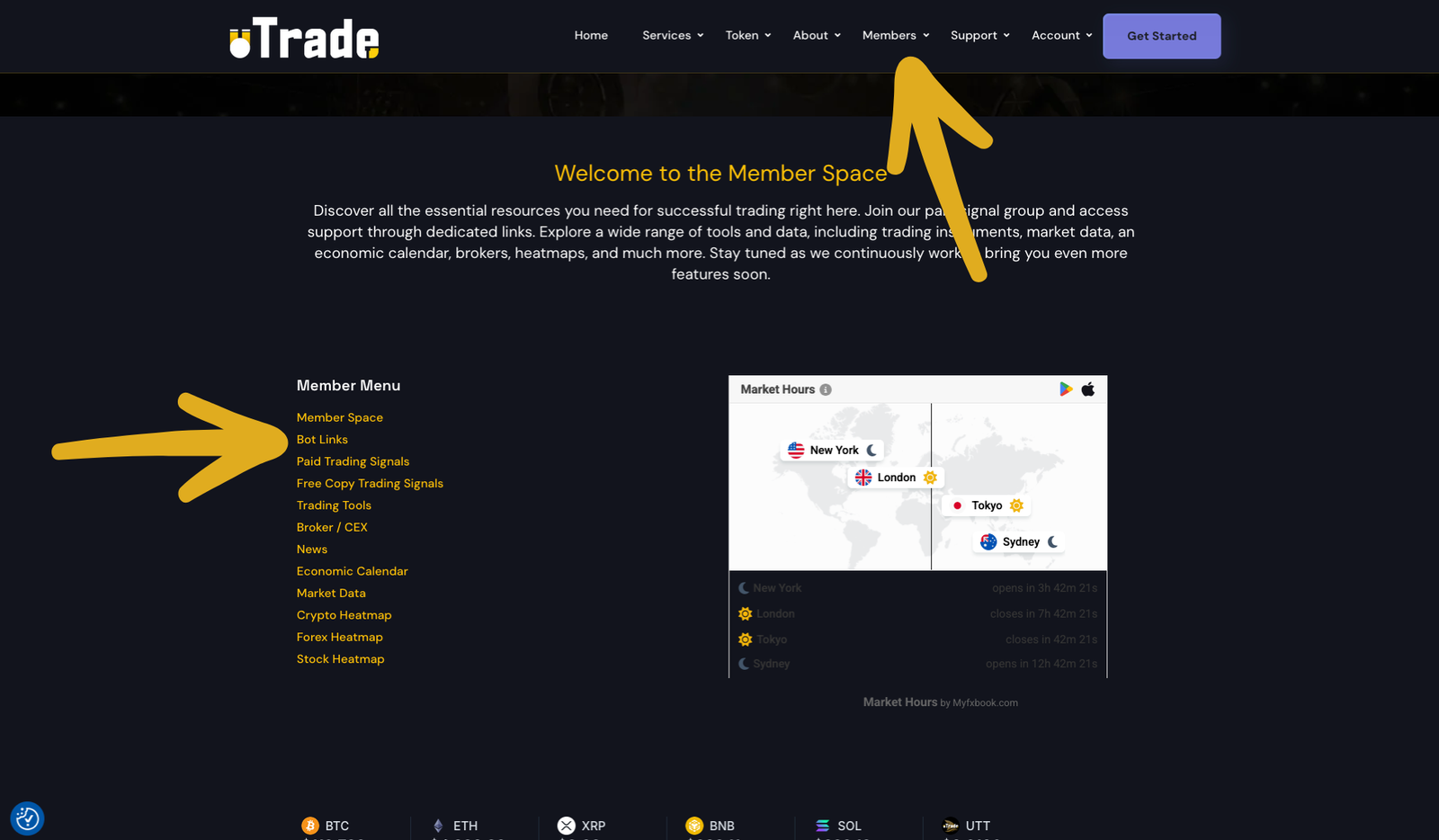
8. Click on ‘Members’ in the main menu, and you will find the link to the bot catalog.
9. You will now see all bots. Use the filter or search to find a bot, then click it to select.

10. Here you will find information about the bot and a link to start it. You will then be redirected to Pionex.
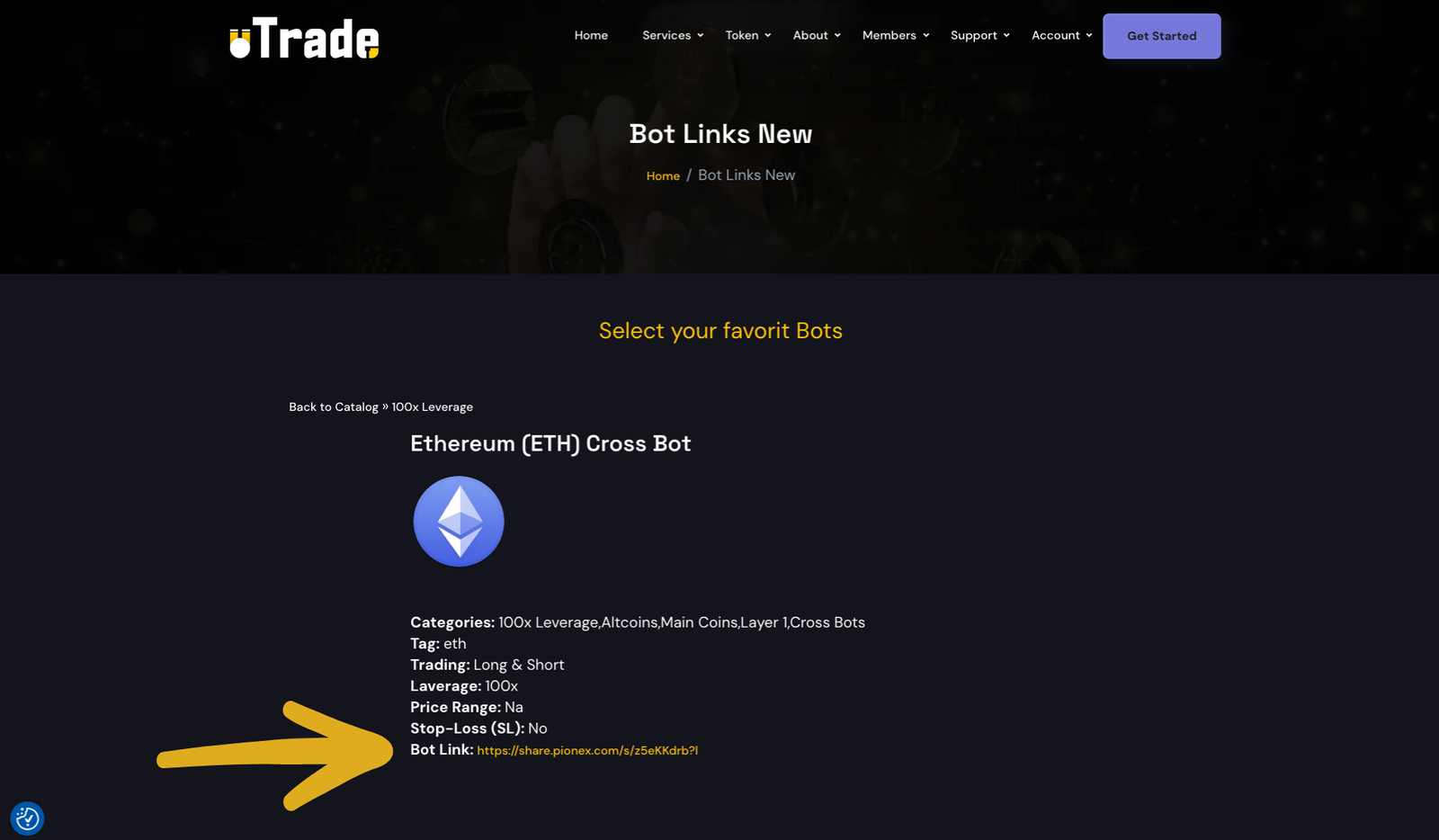
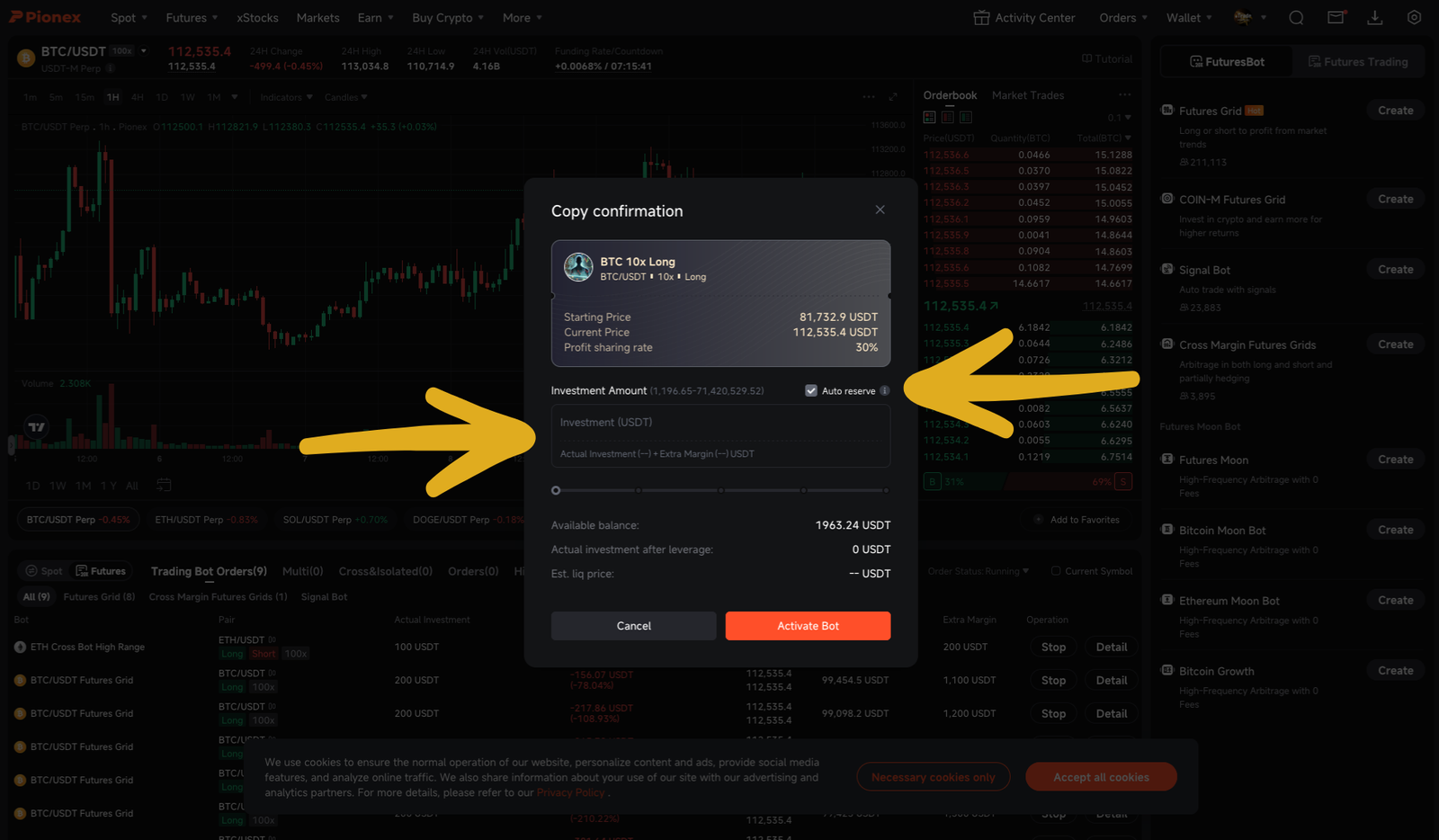
“11. A new window will open, or the app will launch. Click on ‘Copy.’
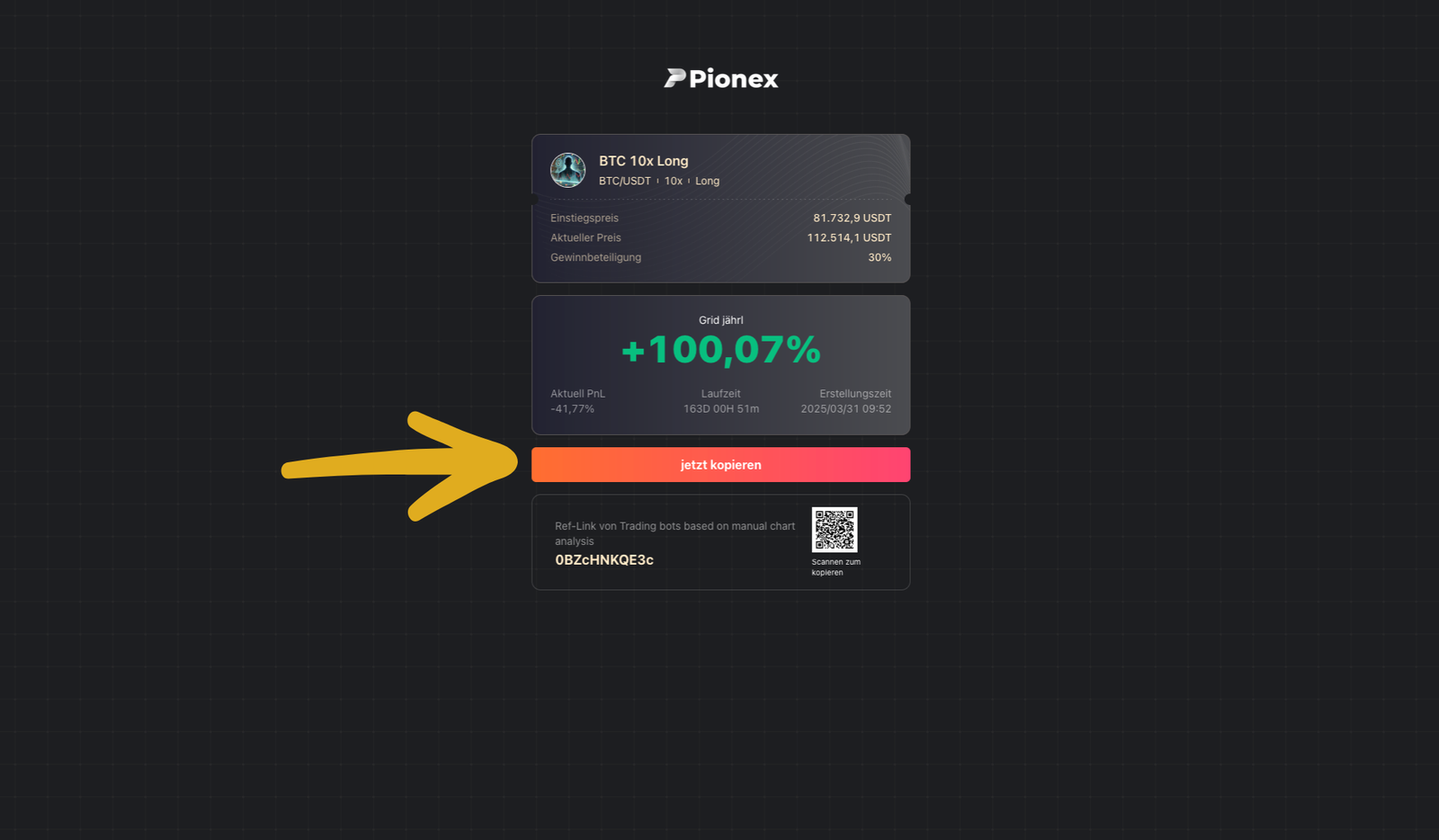
12. Now you can select the amount of USDT to invest in the bot.
Here you have two options:
– Start with “Auto Reserve” so the bot automatically adds margin to avoid liquidation. (Good for beginners)
– Or deselect the checkmark to add investment and margin separately. (For advanced users)
Then click “Activate Bot”, and it will start working.